The Add Existing Package option for SSIS projects is very helpful, but has one major limitation. The dialog only allows you to add a single package at a time. When working with a lot of packages, this can be a time consuming process.
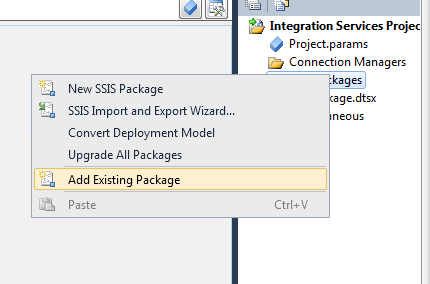
Thankfully, there is a shortcut. You can add multiple packages to a project using Copy & Paste.
- Select the packages you want to add to your projects in Windows Explorer, and Copy (Ctrl-C)
- Switch to Visual Studio
- Select the Project node
- Paste (Ctrl-V)
The packages will be added to the SSIS project (and copied to the project directory).
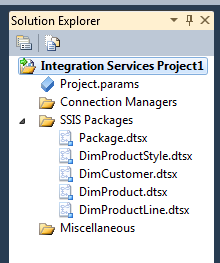
Note: This works in all versions of SSIS.
thanks for this…. very handy