When working with the Oracle Destination (the one from Microsoft/Attunity (2008 | 2012)), you might encounter generic data type conversion errors after mapping your columns.
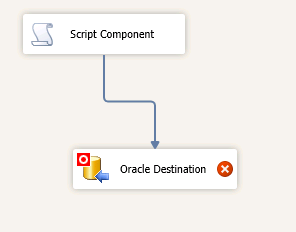

Validation error. Data Flow Task: Data Flow Task: Datatype conversion of Oracle Destination.Inputs[Oracle Destination Input].Columns[L_QUANTITY] is not supported.
The error appears because there is not a 1:1 mapping of SSIS Data Flow types to Oracle types, and the Oracle Destination can’t do the conversion for you. A common one is for BIGINT conversions. Unfortunately, the error message doesn’t provide much guidance on what the type mismatch is, but there is an easy way to check.
Right click on the Oracle Destination component, and select Show Advanced Editor …
On the Input and Output Properties tab, expand the Oracle Destination Input list item, and view the external columns.
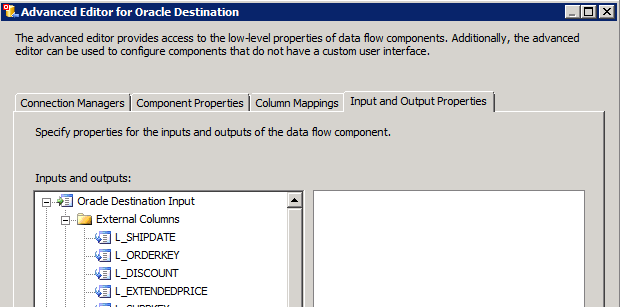
Click the column which is using you the error. On the properties page, you’ll see the SSIS data type that the destination expects.

In your data flow, use a Data Conversion or Derived Column transform to convert the original column to the destination data type.
Thanks a lot Matt. It really helped me a lot. keep up the good work!
Wow thank you, I was really stuck on this one!