Issue – you run an SSIS package that uses an Excel Source or Excel Destination and get the following error:
[Connection manager "Excel Connection Manager"] Error: SSIS Error Code DTS_E_OLEDBERROR. An OLE DB error has occurred. Error code: 0x80004005.
An OLE DB record is available. Source: "Microsoft Access Database Engine" Hresult: 0x80004005 Description: "The Microsoft Access database engine cannot open or write to the file ”. It is already opened exclusively by another user, or you need permission to view and write its data.".
Steps to resolve:
- Verify that the file isn’t actual open (check task manager for suspicious EXCEL.EXE processes)
- Verify that there are no other SSIS packages (or other background processes) that might be opening this file at the same time
- If you are in Visual Studio when this error happens, restart VS and try again
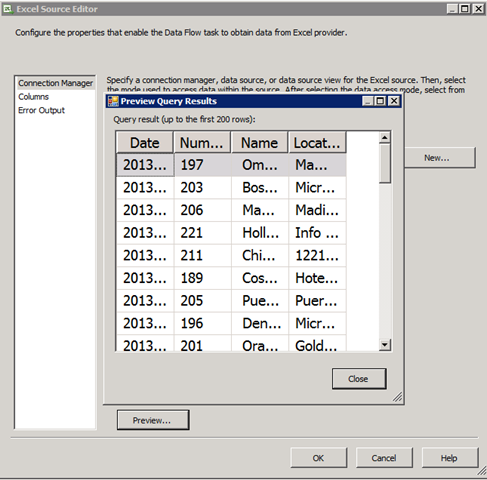
The third issue typically happens if you click the Preview button on the component editor. This ends up loading the Excel file through the Access database engine, and can keep a reference to the file open until the designer is restarted.
Hi, we experienced this same issue.
Any further resolution on how to resolve?
We had same issue and resolved by adding the SQL agent proxy account as a local user on the machine where the file was stored.
Yep, this resolved the issue. In my case I had to grant SQL Agent account read permission to the file location